How We Use Perplexity Computer
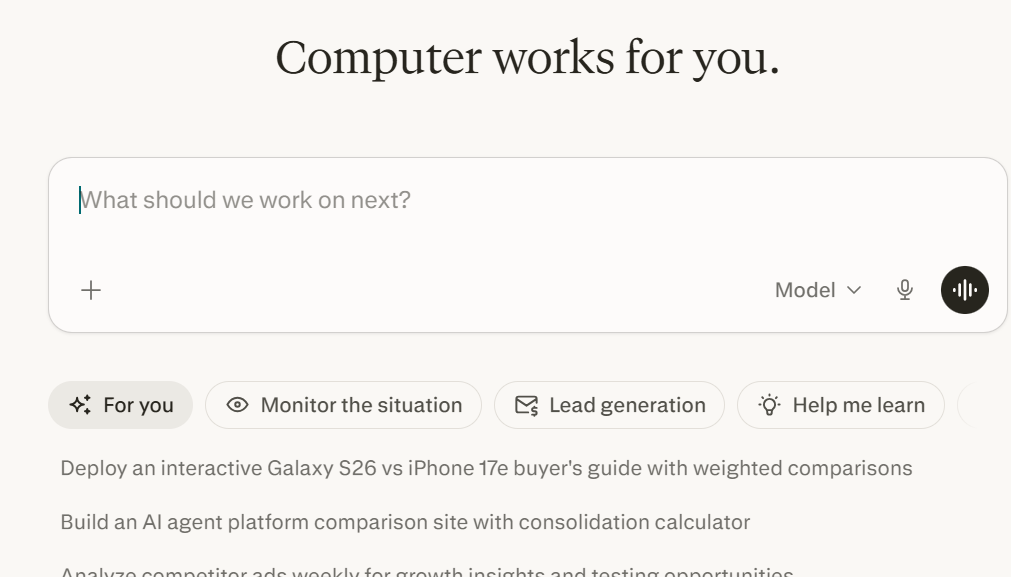
Recently, we subscribed to the Computer feature from Perplexity AI. Think of it like a digital operator that can navigate your screen the way a human would.Here is how it handled some of our workflows.
Managing Inbox
So I gave the AI a simple system:
- Archive promotional emails older than a week
- Draft replies to common requests like scheduling
- Flag anything tied to active projects or urgent deadlines
What stood out was not just speed. It was judgment.It did not just filter emails. It understood the context. It separated noise from signal with surprising accuracy.By the end, we did not just have a cleaner inbox, but a prioritized action list.
Research Assistant
For a recent project, I asked it to:
- Find peer reviewed sources
- Extract key methodologies and findings
- Cross reference studies to identify contradictions
It navigated academic databases with ease and what I got back was not raw data. but structured brief I could further my research with. Saving me hours of going searching finding and going through reports.
Why it Matters
You do not need to code. You just need to communicate clearly.Tools like Perplexity run on natural language. You describe the outcome, and the system translates it into actions such as clicks, typing, and navigation. We've progressed from searching for answers to delegating tasks
Perplexity Computer handled the repetitive, low-leverage work like email sorting and initial research. That gave us more time for high-impact work.
References
- ChatGPT - https://chatgpt.com/ (Brainstorming)
- Gemini AI - https://gemini.google.com/ (Writing Support)